Headline clarity
Show role, specialty, industry, and value without vague keyword stuffing.
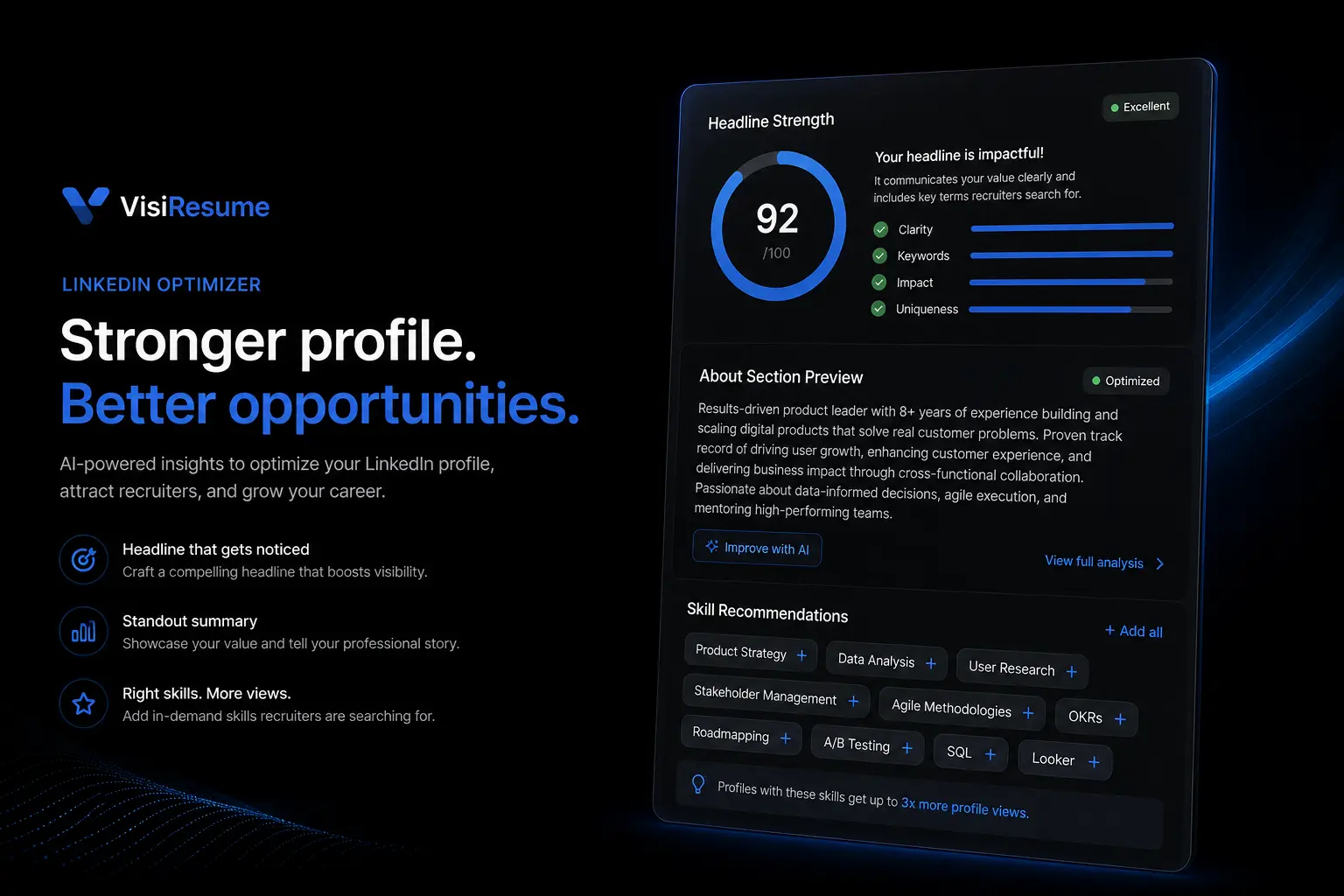
Translate your resume strengths into a clear headline, summary, experience section, keywords, and featured profile signals.
Clarify your headline, summary, experience, and keywords so recruiters can understand your profile faster.
A strong profile helps recruiters quickly see your target role, evidence, skills, and credibility.
Optimize LinkedInShow role, specialty, industry, and value without vague keyword stuffing.
Shape a profile summary that is readable and specific.
Align role keywords with truthful skills and experience.
Use portfolio links, projects, and achievements to support your profile.
Strengthen the headline, summary, and keyword language that shape profile discovery.
Name your target role, specialty, and value in searchable language.
Write a readable profile summary with context, strengths, and direction.
Match recruiter search terms to skills and experience you can defend.
Start from the same role target used for resumes and job matching.
Make the first line concrete, searchable, and role-specific.
Show context, strengths, proof, and direction.
Align roles, keywords, featured content, and your call to action.
Explore related templates, career guides, resume tools, ATS checks, and application resources for your next step.
Find concise answers about this tool, the workflow, and what to prepare before getting started.
Use the optimizer after your resume target is clear so the profile supports the same application strategy.
VisiResume uses essential cookies for sign-in and security. Read the cookie policy.